


TronBid Telegram Bot: Rent Energy and Find TRX–USDT Exchange
Use the official TronBid Telegram bot for Energy rental and exchange instructions. Check addresses, payment details and resource delivery before sending.
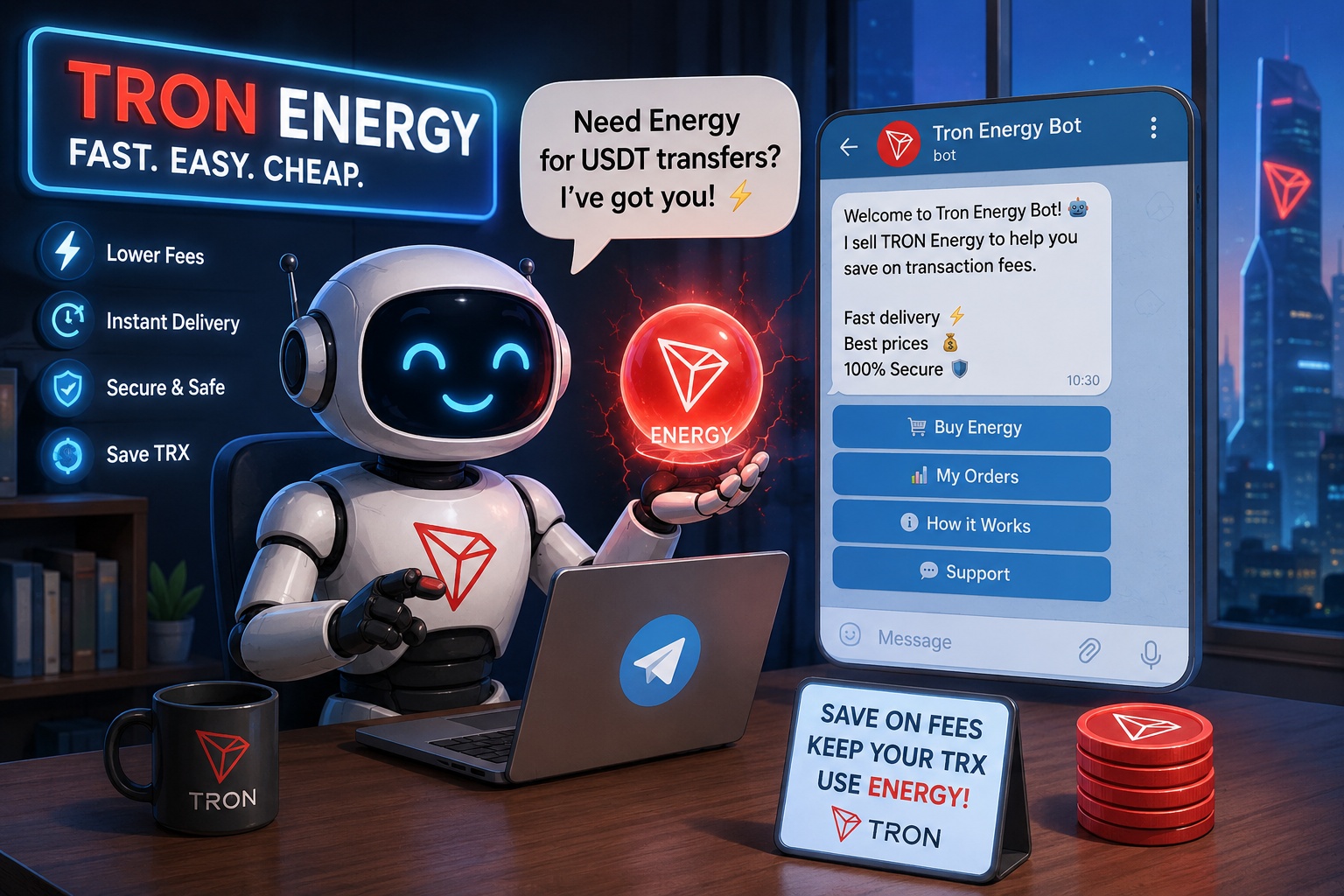
The TronBid Telegram bot provides a compact way to access resource rental and exchange instructions. Start from the official TronBid bot linked by the website, then choose the operation you need. A Telegram display name alone is not enough to identify the correct bot.
Prepare the resource request
For a standard USDT transfer, Energy belongs at the sending wallet. Check its address and estimate the intended transfer before selecting a package. Bandwidth is a different resource; select the matching rental option instead of assuming any package covers both.
Use the calculator and the resource comparison if you are unsure which amount or resource to choose.
Review the bot's current order details
Read the selected quantity, term, price, resource recipient and payment instructions. Follow the actual order's amount and expiry; an old chat message or forwarded screenshot may refer to a different payment.
Keep the order reference and payment TXID. If the status is unclear, check the existing operation before paying again. Automatic processing still depends on payment confirmation, resource availability and network conditions.
Verify Energy before sending USDT
A completed payment is not the same as delivered resources. Check the delegation and refresh the sender's available Energy before confirming the token transfer. Other transactions may already have consumed part of the allocation.
The delegation checklist explains which record to inspect. Compare the complete cost using the rental-cost guide rather than assuming a fixed saving for every transfer.
Exchange USDT and TRX from the menu
The Exchange USDT ↔ TRX menu item provides exchange instructions. Use the exchange page for the current customer rate, minimums and estimated output.
Read USDT to TRX or TRX to USDT for the chosen direction. Exchange payouts return to the actual sending address. Use a compatible self-custody TRON transfer; a centralized exchange withdrawal may send from an address you do not control.
Keep rental and exchange payments distinct
An exchange deposit and an Energy order have different purposes and instructions. Finish any required conversion before starting a resource payment. The initial USDT transfer still needs resources or another supported fee-payment route.
If support is needed, provide the order reference and TXID through the official contact. Never send a seed phrase or private key to a bot or support conversation.