


TRON OUT_OF_ENERGY: Why a USDT Transfer Fails and What to Check
Investigate OUT_OF_ENERGY using the transaction receipt, available resources and FeeLimit. Re-estimate a failed USDT transfer before retrying.
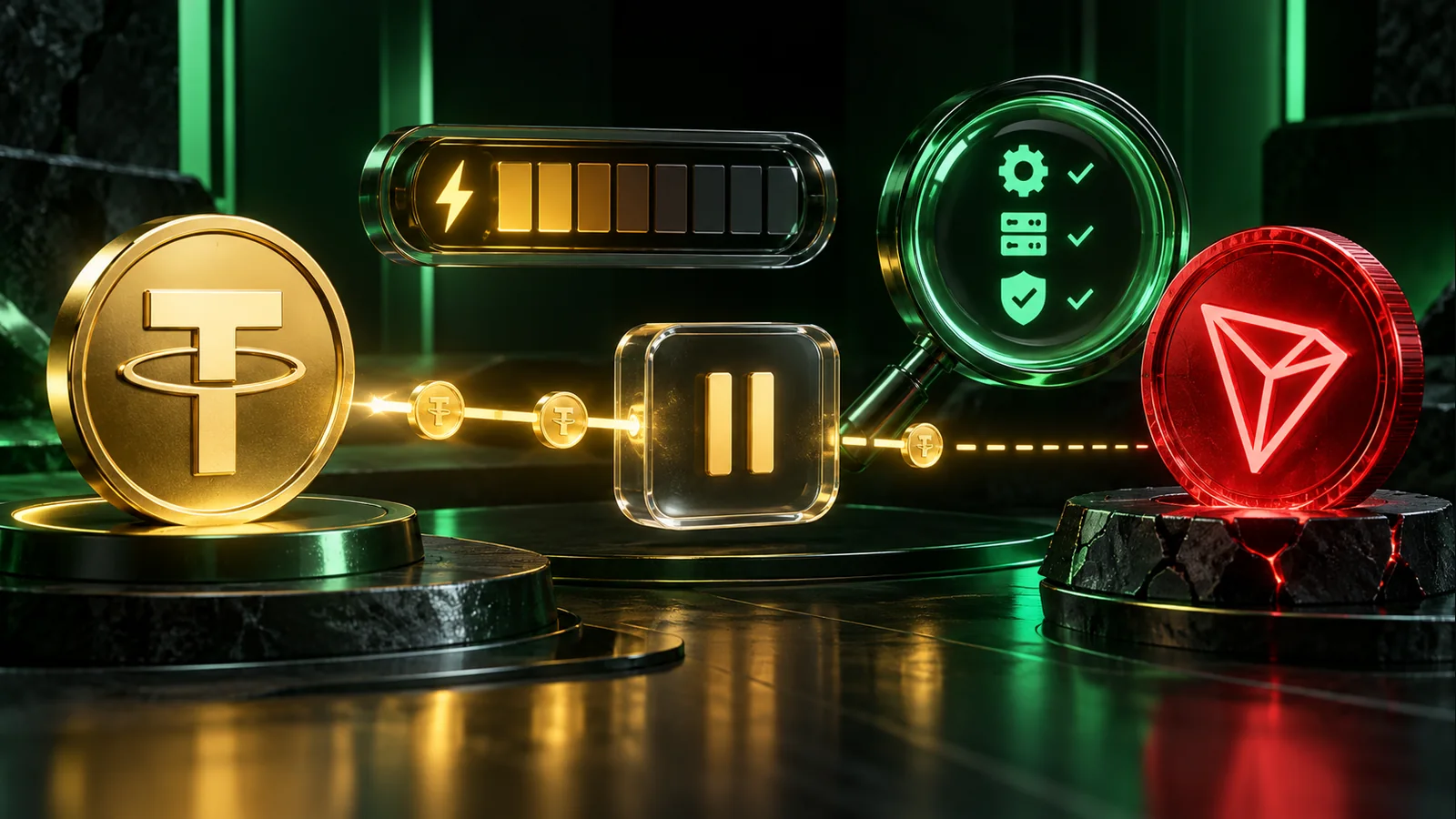
OUT_OF_ENERGY means a contract call could not complete within the Energy available to its execution. The cause can involve the sender's resources, spendable TRX or the transaction's FeeLimit. Repeating the same transfer immediately can spend more resources without solving the cause.
Start with the failed transaction
Copy the TXID and open the record in TRONSCAN. Confirm that you are reading the USDT transfer, not a payment for Energy rental. Check the execution result, token-transfer details and charged resources.
The transaction inspection guide explains the difference between a visible transaction and a successful token transfer. Do not diagnose a failed call only from a wallet notification or a temporarily unchanged balance.
Check available Energy, not the old estimate
Resource use changes the account state. A previous successful payment or the failed attempt itself may have consumed some of the balance you expected to use.
Inspect the actual sending address and its current available Energy and TRX. Check that any purchased delegation reached this address and has not ended. Use the delegation checks before buying again, especially if the rental payment succeeded but delivery is unclear.
Understand the role of FeeLimit
FeeLimit is a per-transaction ceiling on the caller's Energy budget, expressed in SUN. It is not simply the amount that will definitely be charged. A limit that is too low can constrain execution even when the wallet has resources; a high limit does not create missing resources or funds.
TRON's FeeLimit documentation explains the interaction. Do not raise the limit to an arbitrary large value as a universal repair. First estimate the intended call and check the selected contract and operation.
Correct the underlying mismatch
Compare the new estimate with available resources and the wallet's allowed budget. If resources are short, evaluate an appropriate rental or supported funding method. If the wrong token or contract was selected, fix that before authorizing anything.
For USDT, the recipient's state and current contract conditions can affect the estimate. An amount remembered from another transfer is not a reliable substitute for a current check. The Energy calculator guide explains how to use estimates without treating them as guarantees.
Review the cost of retrying
A failed contract transaction may still charge consumed Energy and TRX. The intended token movement can fail while the resource cost remains. This is why the available balance after failure may be lower than before it.
If another application is sending from the same address, coordinate the next attempt so it does not spend the newly available resources first. Reopen the wallet preview after changes and check Energy, Bandwidth and any TRX requirement together.
Send again only after resolving the first outcome
When the original result is confirmed failed and the underlying issue is corrected, review the recipient, amount and fresh estimate before approving a new transaction. Keep both TXIDs for reconciliation.
If the original outcome remains unknown, investigate it before sending a duplicate. For a USDT–TRX exchange payment, distinguish a failed incoming transaction from a successful incoming payment awaiting a payout. They need different handling, and another transfer is not a status-refresh button.