


TRON Energy Rental: What You Receive and When It Helps
Understand rented Energy, stake ownership, resource consumption, recovery and rental expiry before choosing a package for USDT transfers.
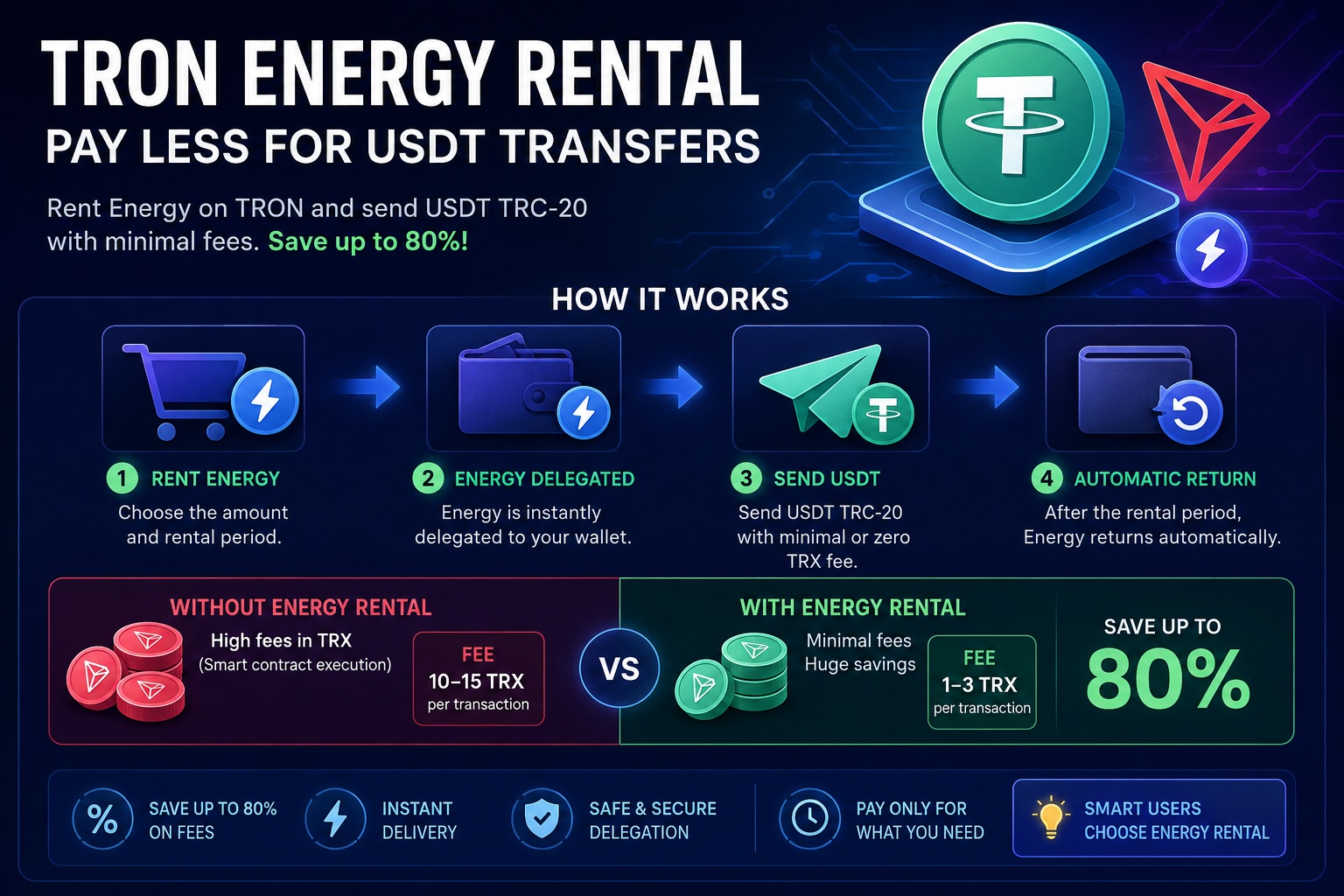
TRON Energy rental gives an account temporary access to delegated resource capacity. You pay for the agreed use of that resource; you do not buy the provider's staked TRX. This can suit occasional transfers or demand above an existing resource reserve, depending on the current total cost.
What arrives in your wallet
For a standard USDT transfer, Energy helps execute the token contract at the sending account. The provider delegates resources to the specified address while retaining ownership of the underlying stake. Receiving a delegation does not require revealing your seed phrase.
Bandwidth is a separate requirement for transaction data. Read Energy versus Bandwidth before choosing which resource to rent.
How rental differs from staking
Staking your own TRX provides resource capacity but affects liquidity and involves an unstaking process. Rental obtains a defined allocation for a term and quoted price. Compare them for the same expected workload, including payment expenses and any remaining TRX burn.
The staking-or-rental guide explains the trade-offs. There is no universal percentage saving or reason that every account must choose the same route.
Consumed resources recover over time
Using Energy reduces what is currently available. Recovery is gradual under TRON's rules; it is not a fresh full package immediately after every transfer. A nominal resource allocation and today's usable balance can therefore differ.
For repeated transfers, read the 24-hour recovery explanation and estimate the combined demand before renting. Several jobs sharing one wallet can consume the same reserve.
Rental term, lock and return are distinct
The selected rental term describes your agreement with the service. A blockchain lock controls when delegated resources may be reclaimed. Once a lock expires, an undelegation still needs to occur; lock expiry is not itself a return transaction.
Check the actual order and delegation record rather than assuming the displayed resource remains usable for an unlimited time.
Choose and verify a suitable order
Estimate the transfer in the calculator, compare the full price and choose Quick Rent or a marketplace purchase. Follow its payment and address requirements. Verify resource delivery separately from payment, then refresh the sender's balance before signing USDT.
If resources appear insufficient afterward, inspect the order and recent transactions before paying again. The rental-cost checklist helps identify what the package covers and which costs remain.